
04.02.2025
Newly launched – GuideMaster 3 offers many additional features
Inhalt
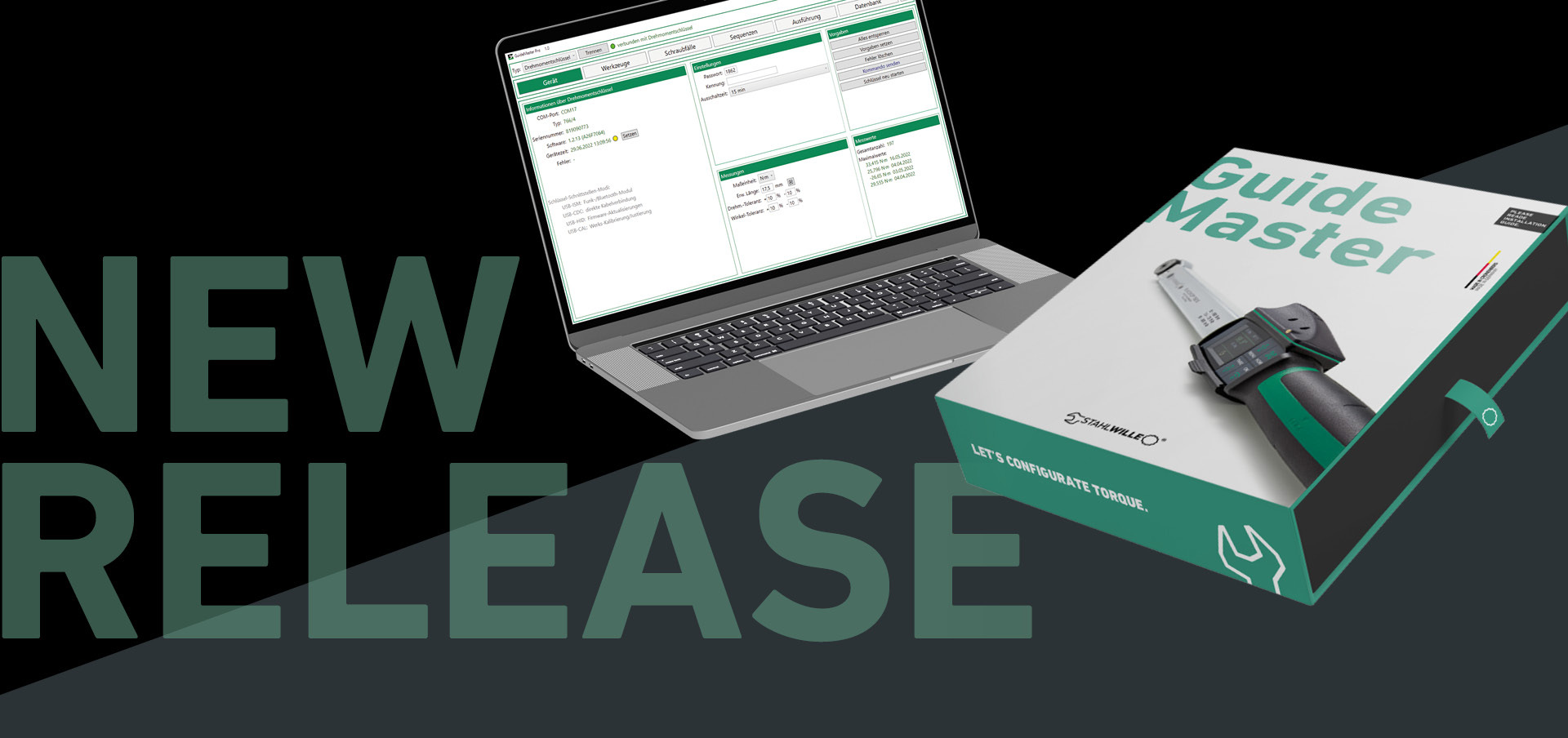
The latest release of the STAHLWILLE GuideMaster software can do everything that previous versions could – but comes with a number of features that make the management, configuration, and synchronization of MANOSKOP® 766 torque wrenches even more convenient whilst ensuring greater process reliability.
Since the introduction of GuideMaster, the software has made it possible to establish a connection between a MANOSKOP® 766 torque wrench and the computer in just a few clicks. GuideMaster recognizes the tool and makes the configuration of bolted joints and scheduling as easy as data synchronization. The new version significantly increases the scope of functionality.
01.
Optimized worker guidance
GuideMaster offers several optimizations for worker guidance: For the first time, annotated images and animated pointers can be displayed. Barcodes can be used to fill in input fields or start sequences, removing the need for a mouse and keyboard and preventing incorrect data input. And with an additional license, you can even view live curves of the current bolt tightening process.
02.
Easier operation for greater efficiency
The new version also offers special functions in terms of operation. Users can now transfer measured values directly to files or selected programs via “keystroke export”. No complex interfaces need to be programmed for this.
03.
Improved quality assurance
Several features that ensure process reliability and quality are also highly relevant in practice. For example, GuideMaster now detects whether a screw has already been tightened. This reduces the risk of overtightening individual screws. Another new feature is the automatic repetition if a screw tightening has not been carried out correctly – a customizable dialog pop-up can be added for this as an option.
04.
Offline flexibility
A function already requested by some users is an offline reading of fastening data stored in the tool, if it could not be controlled by the system at the time of the fastening. This is particularly useful when a bolted joint is created outside the normal working area and without direct connection to the software. In such cases, the relevant data can be transferred to GuideMaster afterwards.
05.
General improvements
Finally, it is now possible to customize the input fields of the user interface, hide menus and menu items for improved clarity, and protect saved presets with a password. When entering bolted joints, an analysis tool also checks whether the bolted joint is permissible for the relevant torque wrench, and indicates any conflicts.
The new GuideMaster version is better than ever. It is available for download here: MySTAHLWILLE
Company
Service
2026© All Rights Reserved